
PCBA Surface-Feature Analysis
Explore image differences across PCBA surfaces and component regions using different illumination wavelengths and image processing, supporting visual enhancement and defect-inspection development.
On-site Testing Series
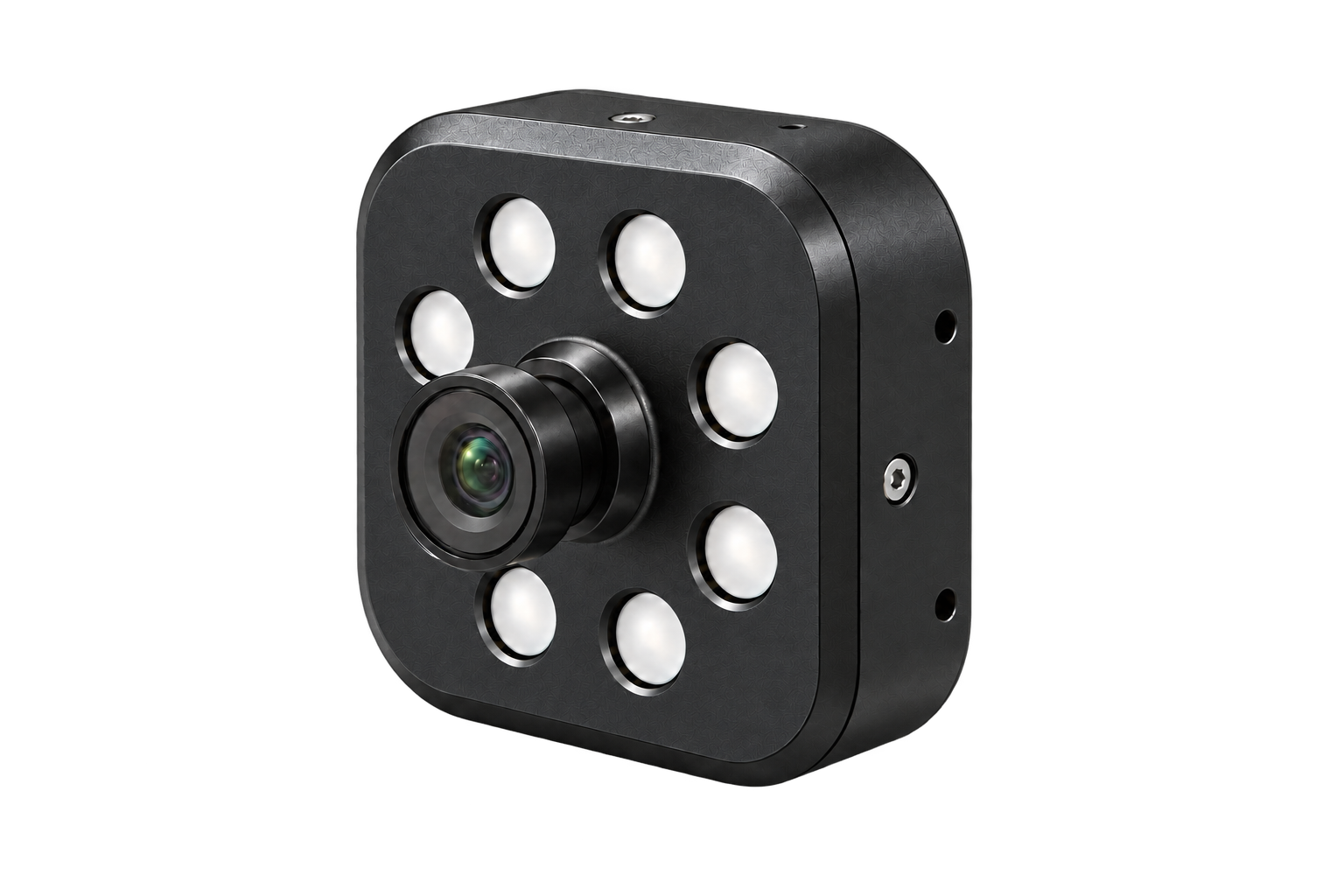
HC1500 combines 17 illumination channels with centre wavelengths from 255 to 1050 nm. Capture sample images under different illumination wavelengths for material differentiation, surface-feature analysis and inspection application development using image processing and application-specific models.
17 illumination channelsExplore image differences under different illumination wavelengths.
1,024 intensity levels per channelAdjust each illumination channel independently for your sample and acquisition settings.
Up to 2 MP / up to 60 fpsMaximum camera resolution and maximum camera frame rate, respectively.
USB connectivity & cross-platform developmentData acquisition interfaces for integration with your own software and analysis workflow.
System Specifications
HC1500
6 W max.
1 W
Anodised aluminium alloy, matte finish
−30 to +70 °C; ≤80% RH
−40 to +85 °C; ≤80% RH
Over-temperature, short-circuit, over-current and over-voltage protection
Windows, Android, Linux and macOS
USB1: Type-C / USB 2.0; USB2: Type-C; USB3: 5-pin / 2.54 mm
Illumination Specifications
17
Independent control, 1,024 levels per channel
16 kHz
100,000 hours
255 / 275 / 370 / 400 / 455 / 520 / 560 / 610 / 630 / 667 / 700 / 804 / 850 / 890 / 933 / 973 / 1050 nm
Camera Specifications
2 MP
60 fps
1928 × 1088
2.9 × 2.9 μm
1/2.8-inch
300–1100 nm, NIR-enhanced
42 dB
Linear mode: 86 dB; HDR mode: >100 dB
15°
Manual focus
UVC 1.1
Brightness, gain, contrast, white balance and other settings
Maximum resolution and maximum frame rate are specified separately. Interface names identify connectors, not three full USB data ports; UVC 1.1 applies to the camera data path. Contact VISPEK to confirm interface details and adjustable settings.
DEVELOPER RESOURCES
Use the vispek-hc Python SDK and command-line tools for HC1500 device control and image acquisition. Install vispek-hc-viewer to view images, control illumination and explore captures in a browser on your own computer.
The software is currently in pre-release. See each project for installation dependencies, OS compatibility and device operating requirements. The web viewer must be installed and run locally.
Where you can use it
Compare sample images acquired under different illumination wavelengths to select acquisition settings, extract features and evaluate analysis methods. The examples below come from the product brochure. Suitability depends on your sample and inspection target.
Discuss sample testing ↗Explore image differences across PCBA surfaces and component regions using different illumination wavelengths and image processing, supporting visual enhancement and defect-inspection development.
Use 17-channel images of sodium chloride and sodium citrate with principal component analysis (PCA) and clustering to evaluate the feasibility of differentiating visually similar powders. This example does not establish performance for all powders.
Integrate image acquisition into your own software and evaluate your inspection task through sample testing, illumination settings, feature extraction and model validation.
Tell us about your sample, the features you need to distinguish and your operating environment to discuss acquisition settings and feasibility testing.
SDK, protocol and OS support depend on the model and version. Validate analytical models against representative samples.
Let's talk about your application
You don't need a finished specification. Tell us about your sample and the problem you want to solve.
Prefer to contact us directly?
bd@vispek.cnRoom 501, Building K, North Zone, Qianhai Shenzhen-Hong Kong Youth Innovation Hub, 5188 Menghai Avenue, Shenzhen, China